Learning paths built around practical digital work.
Each programme combines concise explanations, realistic practice files, scenario exercises and review material. The paths are designed to feel connected: methods introduced early in a programme reappear later in more demanding situations.
Remote Collaboration Foundations
This programme focuses on the practical mechanics of distributed work. Learners practise preparing shared context before a meeting, writing concise asynchronous updates, reviewing shared documents and handing work to another person without assuming they already know the background.
Exercises include an overlong meeting note that must be reduced to decisions and next actions, a shared document with unresolved comments, and a hand-off that needs enough context for a colleague working in another time zone.
The programme also explores channel choice. Learners compare when a quick chat message is appropriate, when a decision needs a durable note and when information belongs inside the task or document itself.
Typical format: five modules, twelve practice sets and approximately six weeks of access. Basic email and document-editing familiarity is useful.
Digital Workflow Organisation
This path is for learners who handle recurring work but find that important information is scattered across messages, memory and informal notes. The material introduces a lightweight structure for capturing requests, clarifying what needs to happen next, assigning ownership and reviewing work that is waiting or blocked.
Practice scenarios use small workflow boards and recurring task sequences. Learners compare systems with too many statuses against systems that hide important distinctions, then design a process that another person can follow without verbal explanation.
A dedicated review module focuses on closing completed work, updating stale context and writing a concrete next action when progress stops.
Typical format: five modules, ten workflow scenarios and approximately six weeks of access.
Practical Information Handling
This programme introduces a disciplined way to work with small workplace datasets and operational records. It is not an advanced analytics course. The focus is on making ordinary information easier to inspect, filter and summarise.
Learners work with tables containing inconsistent dates, duplicate rows, incomplete fields and mixed category names. They identify issues, clean the records and record which changes were made before producing a restrained summary.
Later exercises examine table structure: consistent field meaning, one row per record, sensible category choices and notes that make exceptions visible.
Typical format: six modules, several practice datasets and approximately eight weeks of access.
Digital Communication in Practice
This programme focuses on the written layer of modern digital work. Learners practise choosing a communication channel, preserving the right amount of context, writing useful status updates and documenting decisions that should remain available after a conversation ends.
Scenarios deliberately include imperfect examples: an email with no clear request, a chat thread containing a decision nobody recorded elsewhere, and a task comment that assumes the reader attended a meeting.
The learner identifies what is missing, then rewrites the material so the next action is easier to understand and the necessary context remains visible.
Typical format: four modules, message scenarios, review checklists and approximately five weeks of access.
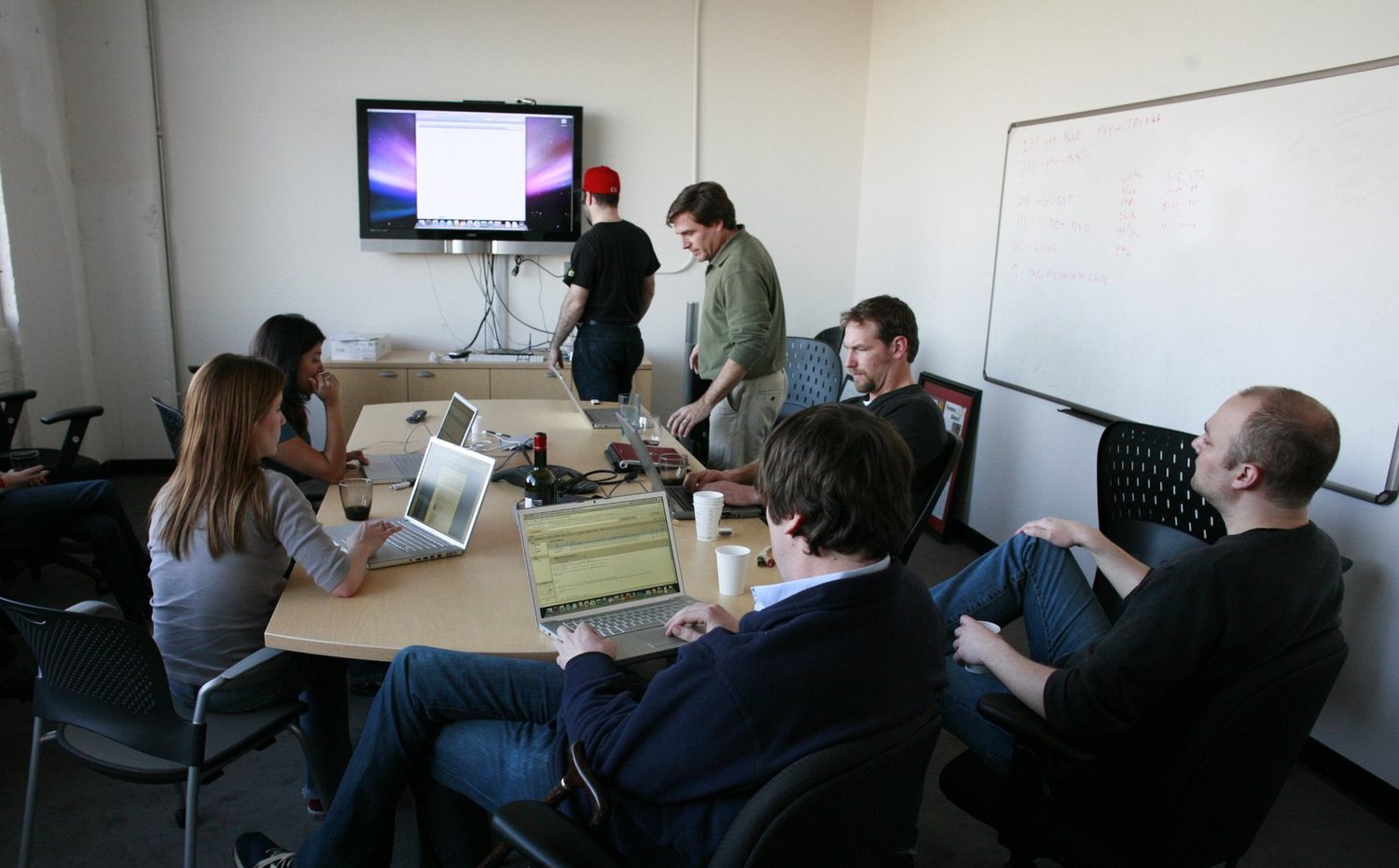
Practice builds across programmes rather than starting from zero each time.
The platform is designed so that methods transfer between learning paths. A learner who practises writing a useful hand-off may later use the same approach when documenting a workflow. Someone who learns to clean a table may later need to summarise information for a shared update.
This makes the programmes feel like connected parts of one practical learning system rather than unrelated standalone courses.